


Safety Spectrum
Inspections Module
Build any inspection, schedule it, complete it on any device and follow every deficiency to closure.
Inspection software for any type of inspection
Any inspection, any asset, any device
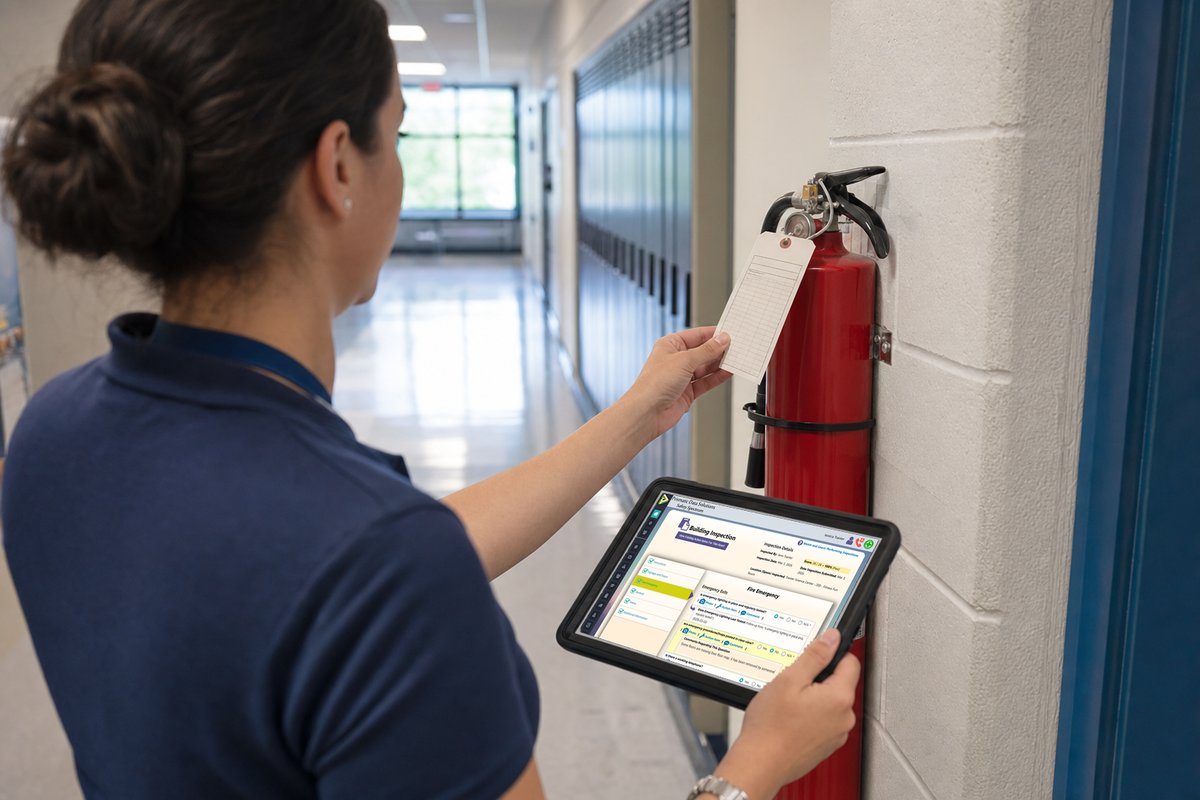
Prismatic’s Inspections module lets you build the inspections your organization needs, run them on any device, and turn what they find into assigned, tracked corrective actions.
Module overview video
A complete inspections management solution
From building the checklist to closing out the deficiency it found.
 Module overview video
Inspections
Play
Module overview video
Inspections
Play
What is included
Features
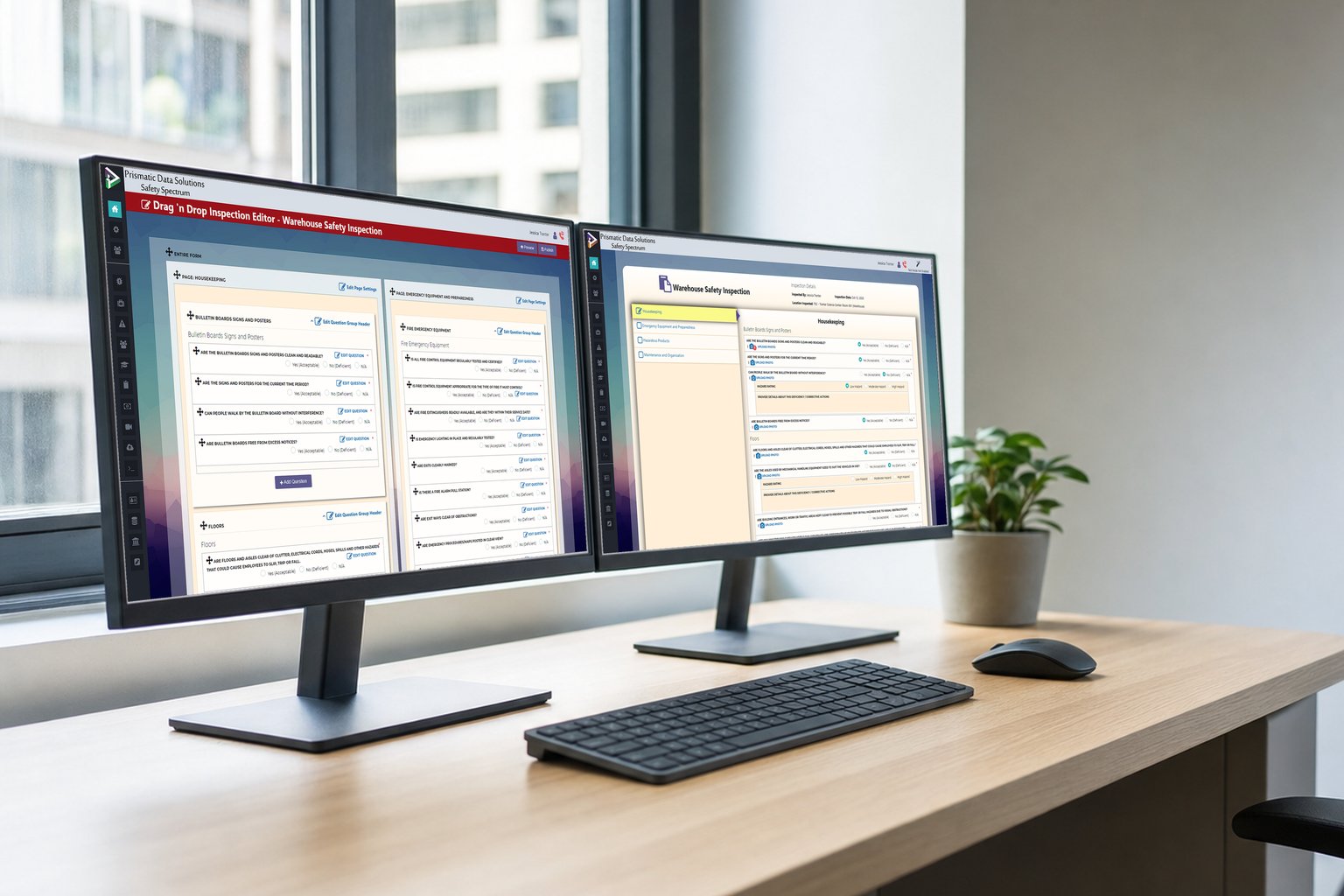
Create
Create, customize, store, track and manage inspections and checklists.
- Create, store, track and manage inspections, audits, drills, checklists and assessments.
- Inspection template library included.
- Set schedules and reminders for inspection frequency.
- Assign responsible users by rules based on attributes, or by selecting them directly.
Inspect
Complete inspections from any device with ease to meet compliance goals and stay safe.
- Access and complete inspections from any device, including offline, syncing when connectivity returns.
- Inspections for “Zones”, conceptual groupings of rooms and areas, useful for lab inspections.
- GPS point selector available as an inspection question type for geo-tagging.
- Request inspections, including pre-inspections such as an ergonomics self-assessment before a formal assessment.
Assets
Connect inspections to all of your organization’s assets, including buildings, equipment and people.
- Inspect buildings, rooms, equipment, people and projects.
- Sort by customizable categories: inspection type, dates, overdue, people, groups, equipment, department and more.
- Identify gaps and areas for improvement with customizable statistics.
Tailgate meetings
Run the tailgate meeting and its inspections from one record, in the field.
- Record who attended and who the first-aid attendants are, describe the work and link it to the project.
- Complete a field level hazard assessment as part of the meeting.
- Run the inspections associated with that project type from the same record.
- Everything works offline in the field and syncs when connectivity returns.
Correct
Assign, implement and track corrective actions to rectify deficiencies.
- Identify and assign action items related to inspection findings.
- Assign action items as tasks to specific people, with notifications and reminders for inspection schedules.
- An Inspections dashboard shows the records and statistics each user is permitted to see.
Shared by every module
Every module runs on the Safety Spectrum core system: role-based access, track-changes history, automated notifications and tasks, offline forms, file uploads and customizable dashboards.
Also in the suite
Works well with
-
Hazard Reporting
Report potential hazards so the management team can respond before they become incidents.
Learn more → -
Contractor Management
Manage safety on every contractor project, from award to completion, for contractors and subcontractors.
Learn more → -
Safety Committee Management
Committee dashboards include the inspections from each committee’s areas of responsibility.
Learn more →
See Safety Spectrum in action
Schedule a live demo of Safety Spectrum, tailored to your organization’s safety program.
Who we work with
- Municipalities and regional governments
- Universities and colleges
- School districts
- Government institutions and First Nations
- Private-sector organizations
Large Canadian organizations run their safety programs on Safety Spectrum. References are available on request.